
Security cameras come in many shapes and sizes, each suited to a different need or setting.
Choosing the right option can save time and prevent headaches later on. A clear idea of how cameras capture and send images helps when matching gear to goals.
Fixed Cameras
Fixed cameras point in one direction and hold steady for long spans of time. They are the workhorses for watching doors, lanes, and entrances where movement is predictable.
Their simple set up makes them budget friendly and less likely to suffer from mechanical failures. If you need constant eyes on a single place, fixed units often do the job with little fuss.
Dome Cameras
Dome cameras sit under a protective cover and blend into the ceiling or wall they are mounted on. That rounded shell protects the lens and makes it hard for someone to tell which way the camera is pointing.
You will see dome models in stores and building lobbies because they look neat and keep a low profile. They resist tampering better than many open designs, which keeps monitoring effective.
Bullet Cameras
Bullet cameras are long and tubular and they make a bold visual statement that can act as a deterrent. Their form makes them easy to aim at a specific target and to mount on walls or poles.
Weatherproof versions stand up to rain and sun, so they work well for front yards and lots. The clear presence of a bullet unit can be the kind of deterrent that keeps trouble at bay.
PTZ Cameras
PTZ cameras can pan rotate and zoom on demand for more flexible coverage. An operator or a set program can move the lens to follow subjects and change field of view as events unfold.
These units are common where a few cameras must cover a wide area instead of many fixed devices. Mechanisms add complexity so regular checks and care keep them running well.
Wireless Cameras
Wireless cameras send video over local networks and remove the need for long runs of coaxial wire. They are popular for quick installs and for spots where wiring would be costly or ugly.
Keep in mind that signal strength and network traffic influence performance so placement matters. Many homeowners like wireless models because they are easy to expand and reconfigure.
Wired Cameras
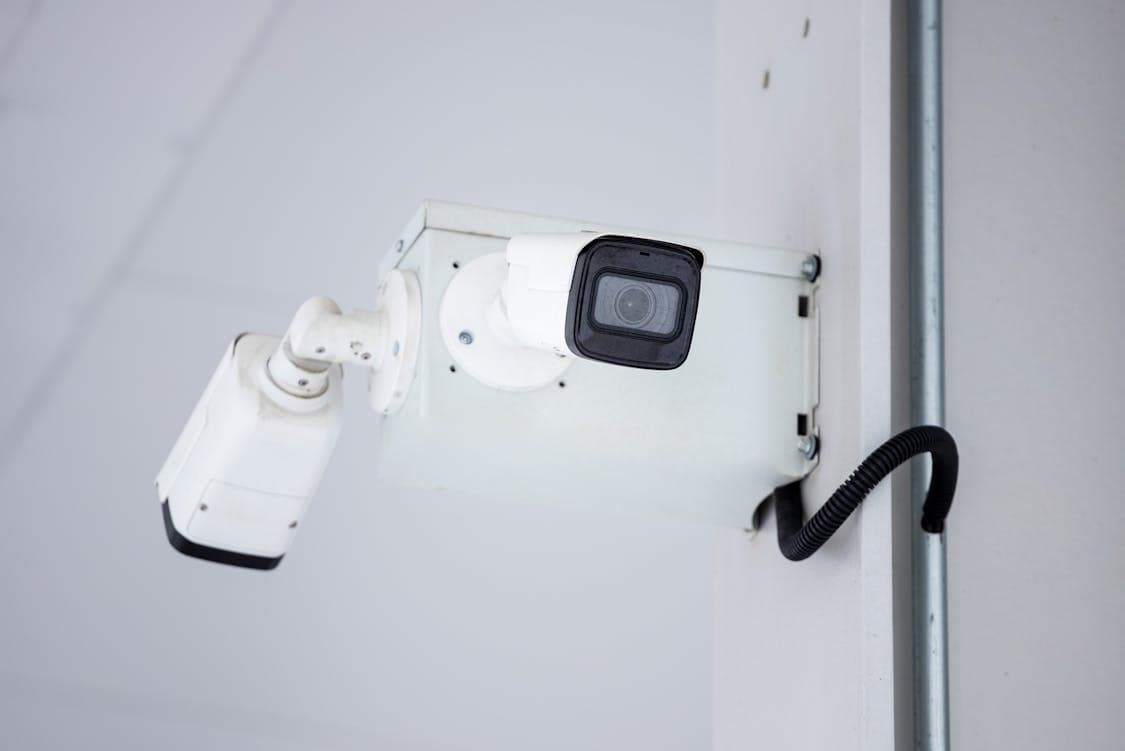
Wired cameras rely on direct cabling to carry video and often power which can provide a steadier link. For high traffic sites and critical functions a hardwired feed reduces interruptions and latency.
Cable runs can be more work to set up yet they offer reliability that some users count on. When the system needs to stay online under heavy load wired systems are a clear choice.
IP Cameras Versus Analog Cameras
IP cameras digitize images at the source and send them over an IP network while analog units create a continuous signal for recording gear. The network options allow remote access and simple scaling when adding more cameras.
Analog systems still have a role where budgets are tight and basic capture is sufficient. Think of IP as future friendly and analog as tried and true.
Infrared and Low Light Cameras
Infrared cameras use light outside the visible band so scenes stay visible at night without glaring beams. Low light models use larger sensors and smart processing to keep images usable when the sun goes down.
For alleys and driveways where activity can occur after dark these features are critical. Night performance varies with sensor quality so testing at the install site pays off.
Thermal Cameras
Thermal cameras detect heat and can spot people and vehicles even when smoke fog or foliage block normal sight. They do not show fine detail like faces but they excel at drawing attention to unusual warmth patterns.
Many industrial and perimeter defense tasks rely on thermal units for that reason. When safety is the primary worry thermal imaging can fill gaps left by visible light systems.
Smart Cameras and Analytics
Smart cameras add onboard processing to flag motion count objects or trigger alerts based on rules you set. They cut down the need to scroll hours of footage and help get to the important clips faster.
False alarms can be a problem with poor settings so tune thresholds and regions of interest to match typical activity. When tuned well smart functions are like a watchdog that does the heavy lifting.
Choosing Resolution and Frame Rate
Resolution affects how clearly a camera captures details, such as a face or a license plate, and frame rate determines how smooth motion looks.
For example, systems built around GuardHouse WatchEye Security Camera often highlight the GuardHouse WatchEye Security Camera’s 1080P HD recording quality as a practical balance between clarity and storage demands.
Higher resolution and faster rates require more storage and network bandwidth so balance needs against capacity.
For some spots a lower setting with well placed lighting will work fine and keep costs down. Try to match capture specs to what you actually need to identify or track.
Power Options and Installation Considerations
Some cameras run on separate power supplies while others accept power over network cable creating a clean single wire run. Solar and battery powered models free you from mains but bring limits like run time and weather exposure.
Mounting height angle and exposure to the elements all influence how well a unit performs over time. Plan the run for cables and think about access for maintenance before you seal things up.
Recording and Storage Choices
Recording can be local on a dedicated recorder or remote to a cloud service that stores clips off site. Local recorders give direct control and can archive footage even without internet access and cloud services add convenience and redundancy.
Storage needs grow quickly with high resolution settings so estimate capacity and retention period. Think ahead about retrieval needs because long term storage costs add up.
Privacy and Legal Points
Laws about camera placement and audio capture vary by location and you should respect private spaces and consent where required. Avoid recording areas with a reasonable expectation of privacy and post notices where needed to be above board.
Audio capture often triggers stricter rules than video alone so learn local rules before enabling sound. Being a good neighbor and staying lawful keeps disputes at bay.
Maintenance and Testing
Cameras need cleaning firmware updates and occasional alignment checks to keep images useful over time. Dust spider webs and weather can mute a lens so a quick wipe on a schedule helps.
Test alerts and recording paths after power outages and software updates to catch issues before they matter. A small maintenance habit keeps the system honest.
Budgeting and Scaling
Think about upfront costs and the ongoing bills for storage updates and power when planning a system build out. Start with core coverage and add cameras in phases if funds are limited and use a consistent platform to reduce future headaches.
Cheap gear can save dollars at first but it may require replacement sooner than a well chosen unit. Plan purchases to balance immediate needs with longer term cost and performance.